SOLUTIONS
Application Performance
Prove whether a slowdown is the network or the application



Prove whether a slowdown is the network or the application
Application performance is a constant challenge for NetOps teams managing hundreds or thousands of applications. Slowdowns can emerge anywhere and anytime. Users typically report vague symptoms and server metrics often look normal – because the real problem lives between systems, not inside one.
Without a reliable baseline, teams can't tell whether the issue sits with the client, load balancer, server, network bottlenecks, or other sources. Teams end up in war rooms with no shared evidence – burning hours validating the issue, correlating disconnected data, and identifying where and why it’s happening
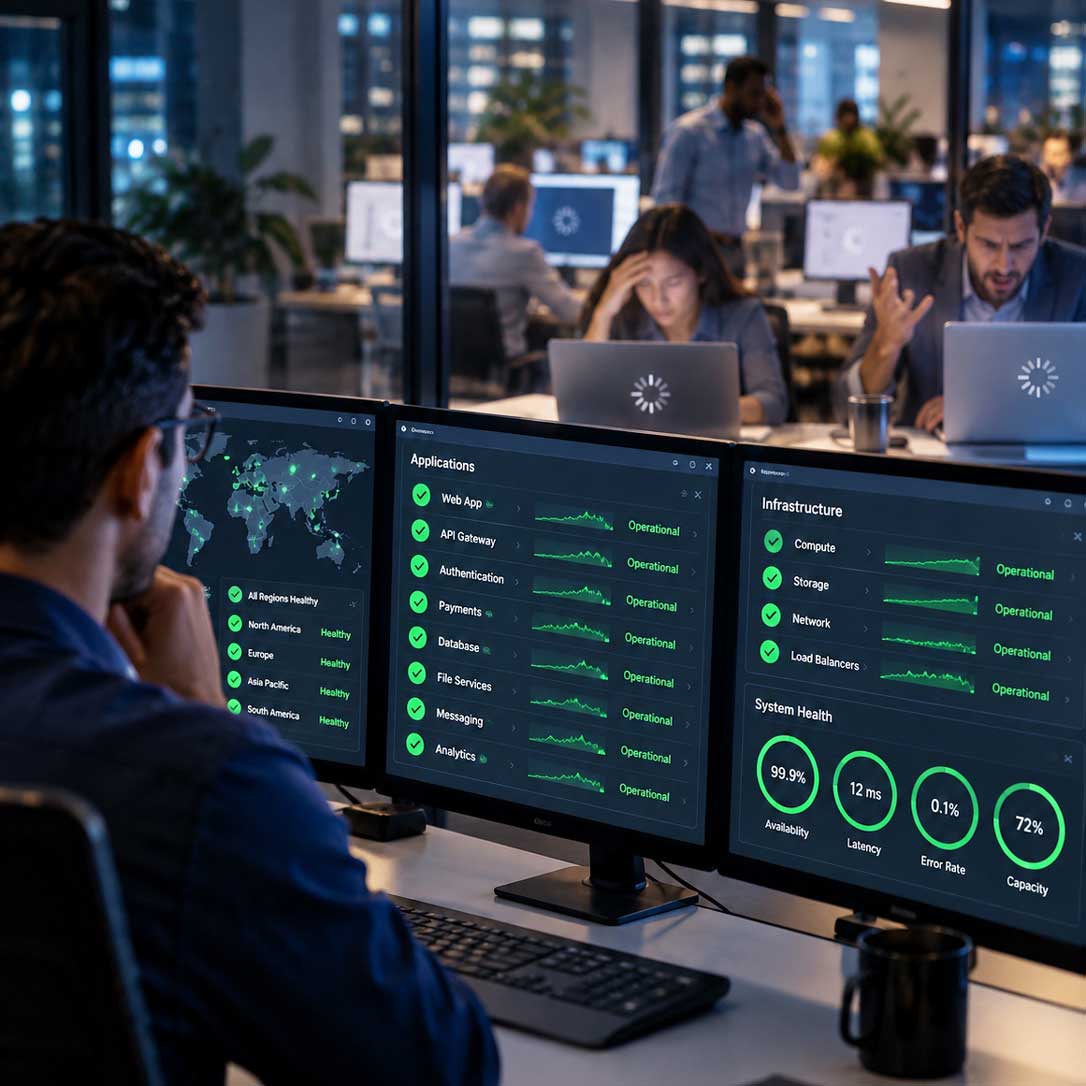



Separate server-side delay from network-side delay using the same session data, instead of comparing notes across three different tools.

Give network and application, and NetOps teams one shared, packet-derived view of the same conversation.

Surface slowdowns that live between systems before they reach the help desk, even when every device reports healthy.

Capture timestamps, performance metrics, recovery status, and a full incident timeline for post-incident forensics and reporting.

cVu packet brokers deliver a tagged copy of application traffic to cStor capture appliances, which store and perform L7 session analytics to provide a granular view of all network communication and conversations.
cClear Control Center brings together the results in easy-to-understand dashboard to simplify root cause identification, speed resolution, and verify the fix.
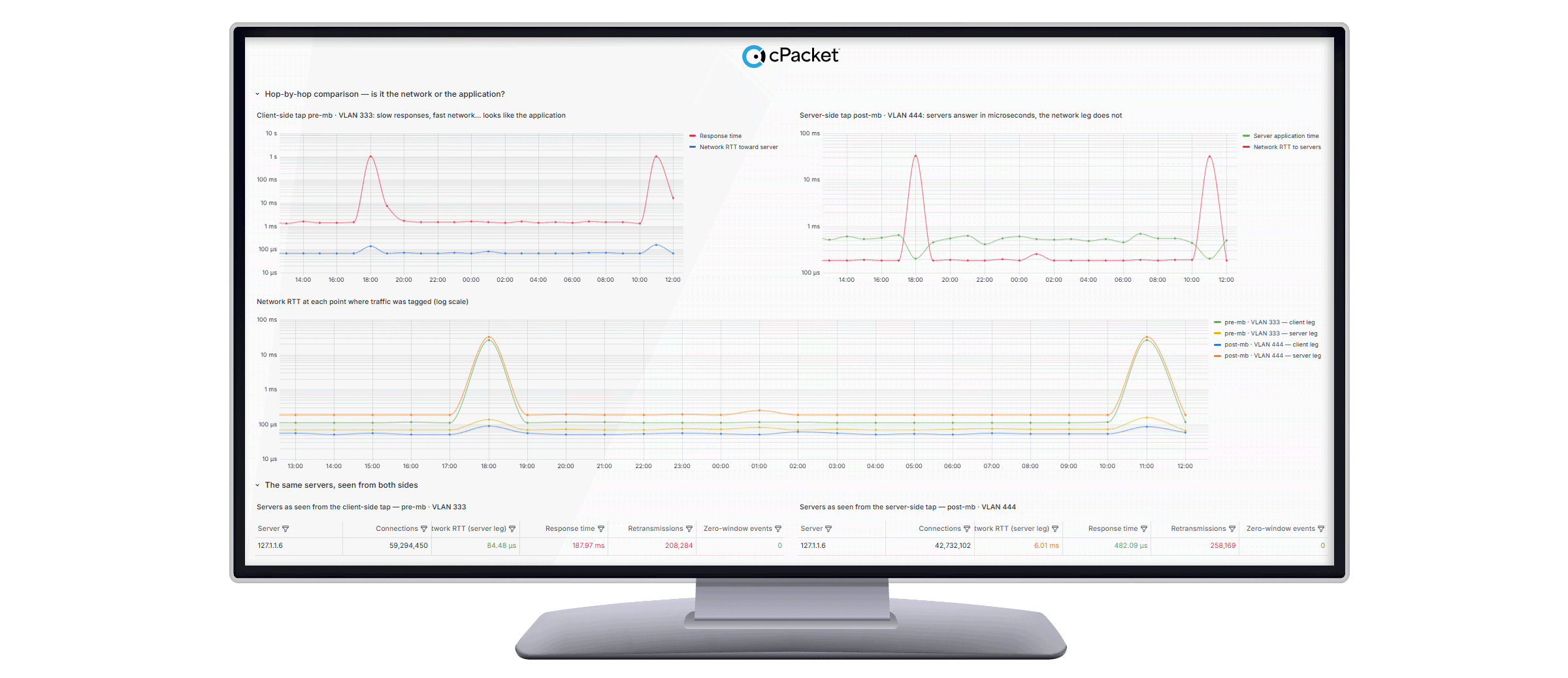



Compares round-trip time at each point where traffic was tagged, isolating whether the server, the network path, or a specific segment is adding the delay.
Retransmissions, zero-window events, and response times are computed from full packets, not samples, across TCP, HTTPS, DNS, and other protocols.
Real-time indexing helps you find the exact packets behind a slowdown inside a multi-billion-packet capture window, without a manual PCAP hunt.
A standard LLM – equipped with cPacket skills and MCP servers – gathers packet-derived metrics and network context from cStor and cClear. From there, the workflow reviews traffic data from before the incident, builds a network map, pulls session statistics, and compares latency across segments of the application path.
When a live issue surfaces, cPacket AI interrogates current data, flags latency issues, identifies probable root cause(s), and recommends next steps. No automatic actions are taken – the operator maintains control of every decision, implementation, and validation.
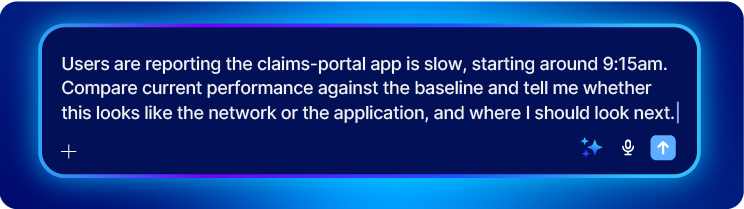

Ask whether a slowdown sits on the server or the network and get the client-versus-server response-time comparison back.
cPacket skills turn a standard LLM into an experienced network investigator, so workflows are consistent – no matter who is asking the questions.
After resolution, generate a timestamped incident report covering onset, degradation, recovery, and resolution.
Get answers to common questions about network observability and cPacket solutions.
APM instruments the application itself. cPacket observes the network path between the application and everything it depends on, independent of what is installed on any host.
The demonstrated workflow loads an artifact file containing network architecture, devices, VLANs, operating context, and normal performance ranges. That information establishes the baseline used to interpret packet-derived analytics.
Hop-by-hop analysis shows performance by connection, including client-to-load-balancer and endpoint-to-load-balancer paths, helping teams narrow where performance degradation is occurring.
When a latency problem is detected, cPacket AI compares the new condition with historical behavior and recommends one or more remediation actions. With cPacket AI, operators are always in control – the system does not act autonomously.
Yes. It generates a timestamped report that covers normal operation, incident onset, recovery, and full resolution, along with performance metrics and timeline analysis. Such detailed incident reports are essential for post-incident reviews and reporting to management.
Every cPacket AI finding is grounded in the same packet data you already trust, and evidence can be verified with existing PCAPs and dashboards.
For cloud segments, packet acquisition is predominantly agentless, using optical taps, SPAN/RSPAN, or cloud-native mirroring. A lightweight eBPF agent tap is available for Kubernetes and eBPF environments.
Our team of experts can work with you to align your network strategy to cPacket’s industry-leading packet broker and capture solutions.




.jpeg)